
About the Game
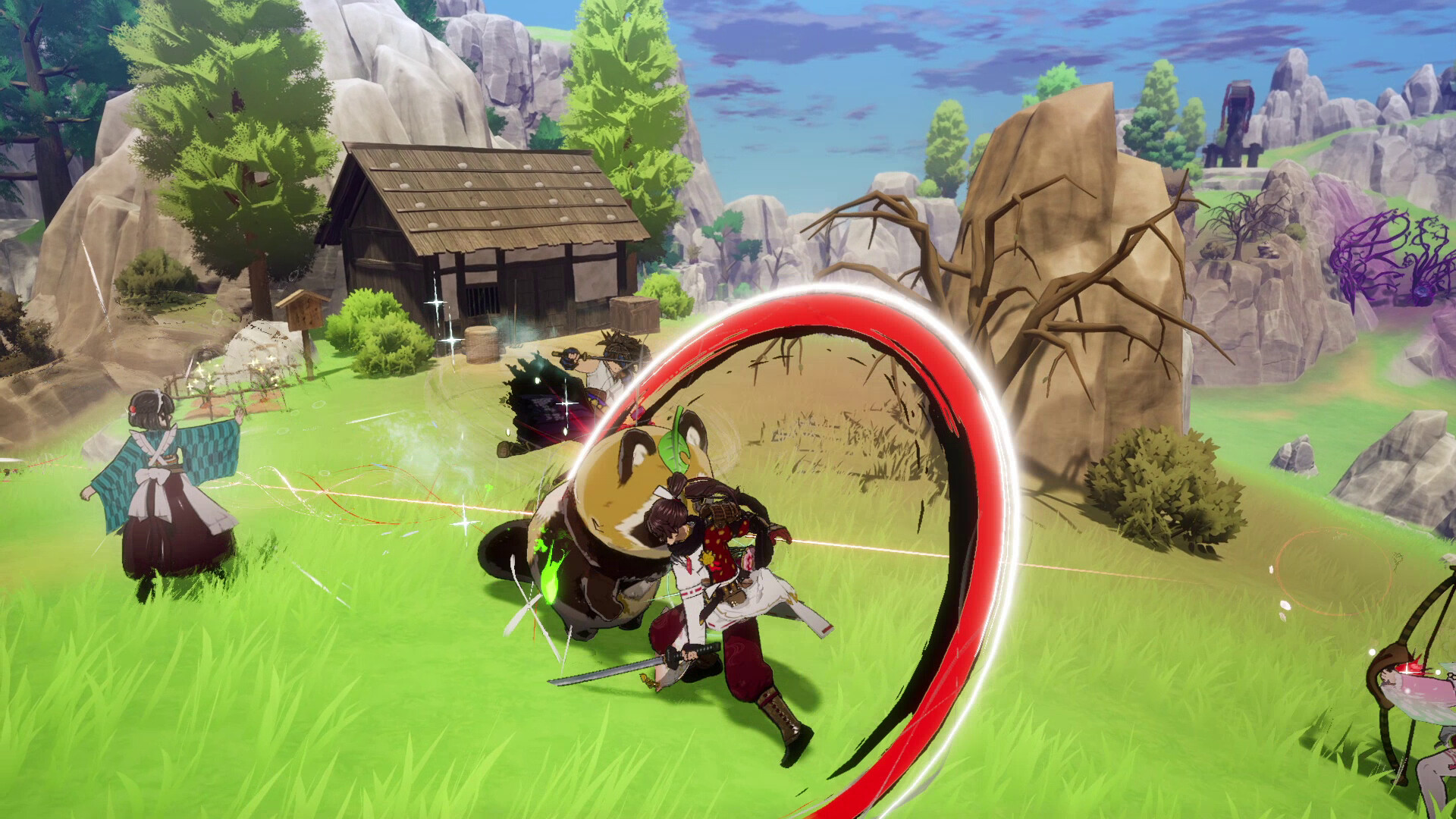
Welcome to the eastern nation of Azuma! In this fresh take on Rune Factory, use your powers as an Earth Dancer to restore the land, its people, and even its gods. Along the way, battle corrupted monsters, rebuild seasonal farms and villages, and form bonds with the colorful locals.
Special Offer
A touch of Selphia style! Don outfits inspired by Lest and Frey, the heroic protagonists of Rune Factory 4 Special! Subaru can wear Lest’s classic outfit, while Kaguya takes on Frey’s signature look.
Purchase the digital version of Rune Factory: Guardians of Azuma to receive this bonus Rune Factory 4 Hero Outfit Bundle.
The Celestial Collapse—a calamity caused by a colossal object crashing into the eastern lands known as Azuma. The devastating impact sent fragments of terrain to the skies above and the seas below. With the earth shattered, the power provided by the runes ceased to flow. The gods of nature vanished soon after. Mountains crumbled and fields withered, leaving the people with nothing…not even hope.
You awaken, startled by a dream of dueling dragons. You don’t remember how or why, but a voice resonates within you.
"Accept the power of an Earth Dancer. Use this power to save the land."
Experience Rune Factory reimagined! Guardians of Azuma is an all-new adventure that takes place in the never-before-seen eastern country of Azuma. Embrace your Earth Dancer powers and fight against the corruption spreading throughout Azuma to bring hope back to this once-prosperous land.
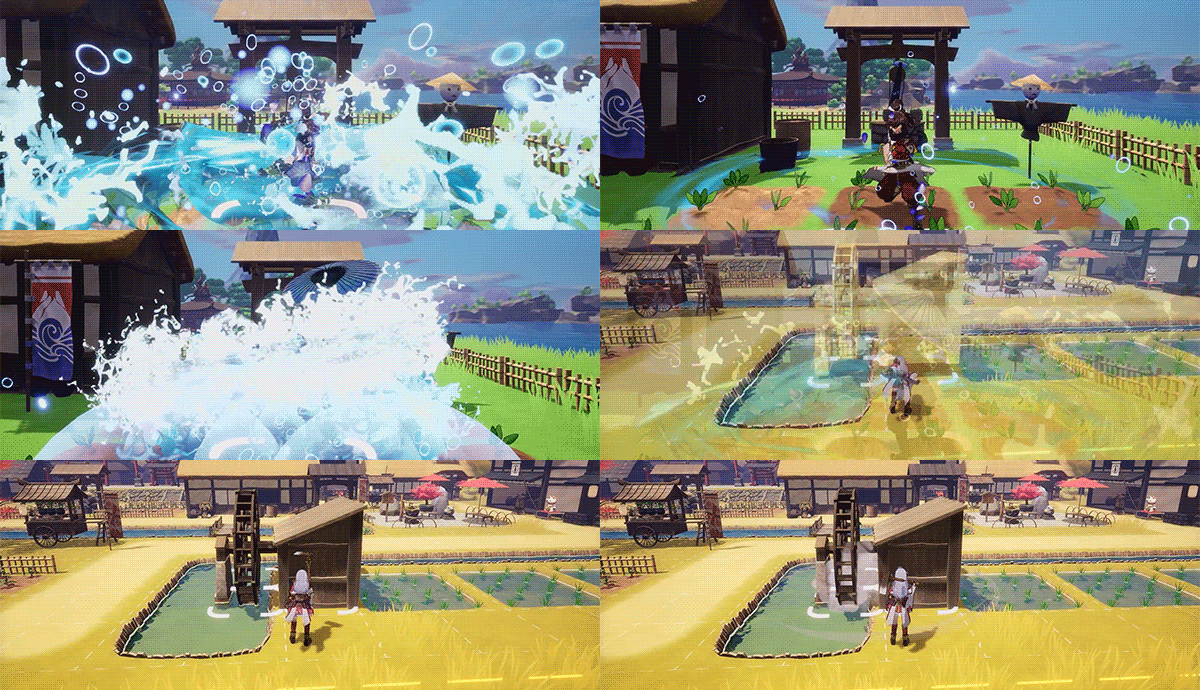
Bold New Abilities and Weapons
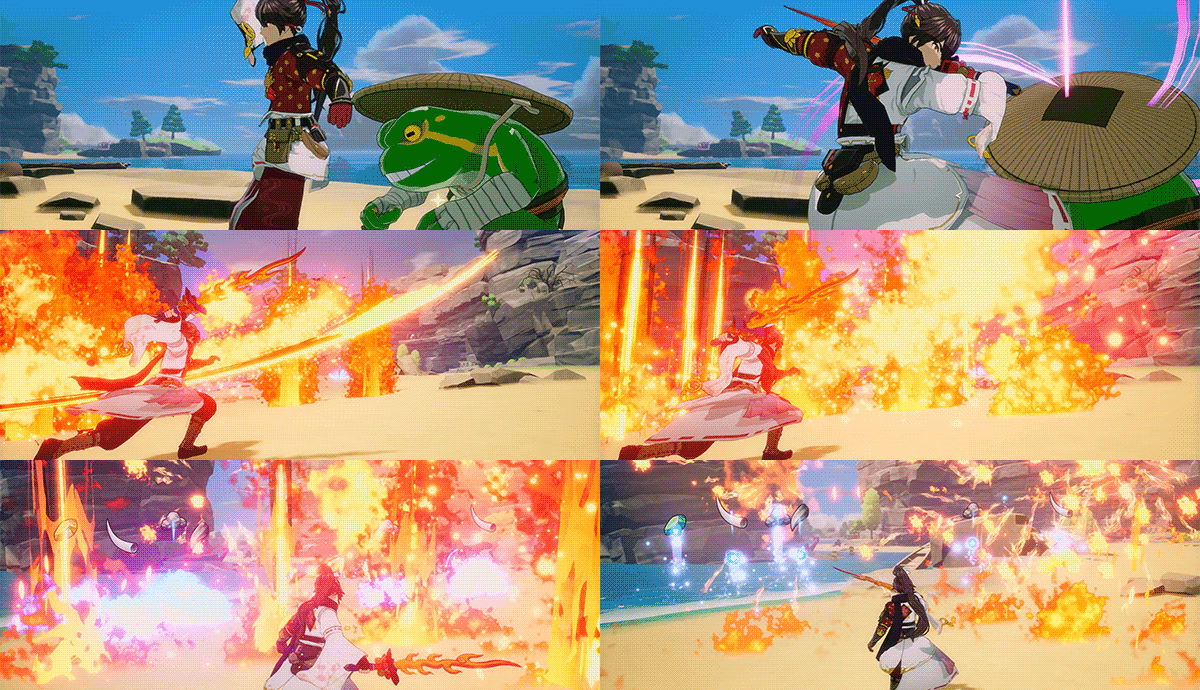
As an Earth Dancer, use the power of dance, sacred treasures, and fresh weapons like the Bow and Talisman to purify the land, your farms, and undo the Blight’s damage.
It Takes a Village
Don’t just mind the farm—rebuild entire villages! Construct and place buildings, enticing people to return to the villages and contribute. Revive the gods to bring vitality and valuable resources back to the plagued lands.
Your Fantasy Japanese Life
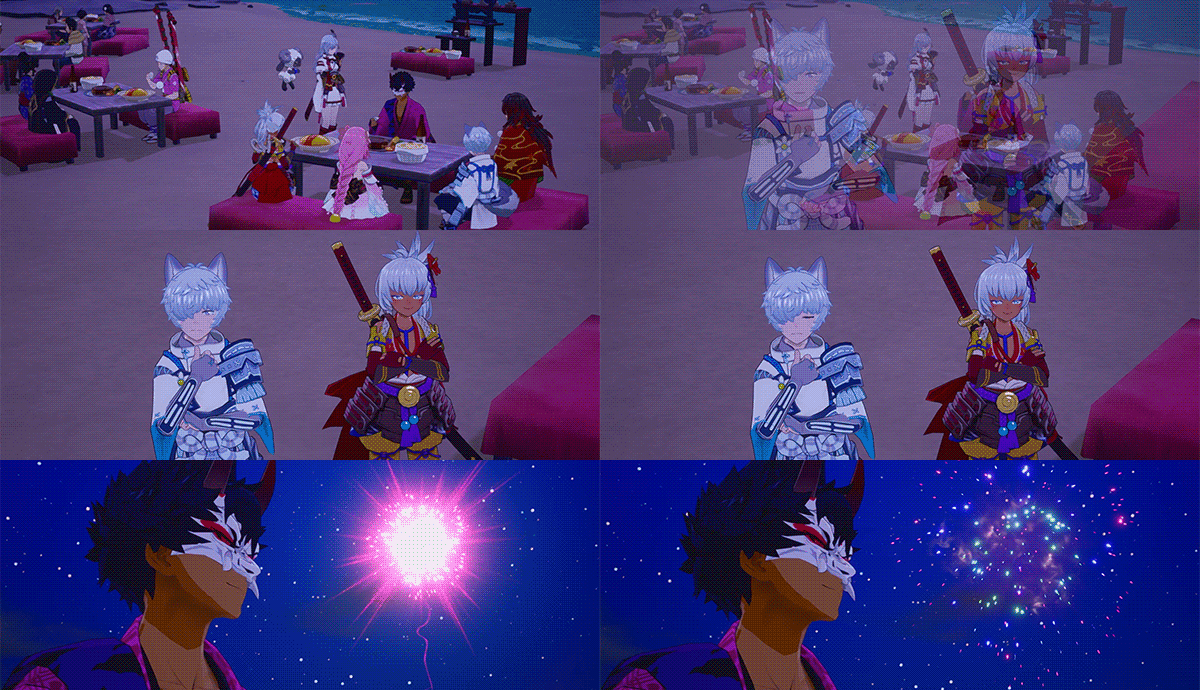
Experience beautiful Japanese-inspired character designs and aesthetics—from festivals, events, and monsters. Explore Azuma’s natural landscapes and its seasonal-themed locales steeped in tradition.
Classic Romance and Relationships
Choose between male and female protagonists, then befriend or romance any of the eligible candidates in fully voiced scenarios. Recruit these new friends to aid you in battle, too!