

About the Game
Cozy third-person gardening in 1643 France. As Agnès, restore a forbidden abbey garden, grow and identify real plants through the seasons, uncover a spy plot, help the community, and find queer romance.
Port-Royal-des-Champs is quiet now. But it isn’t empty.
The stones remember. The garden does too.

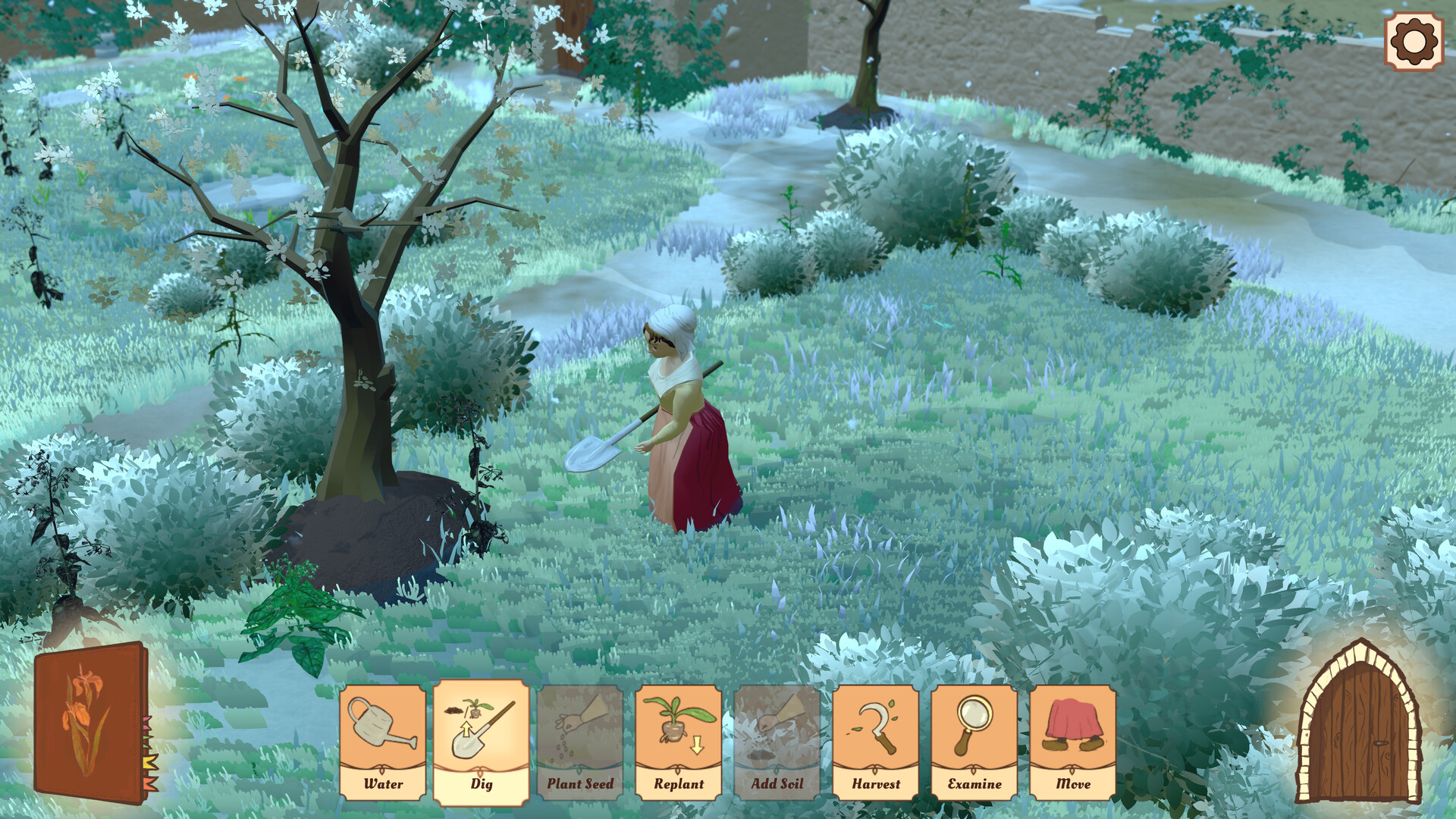
You are Agnès, a young peasant trusted with a noble task. The Abbess has given you the keys to her personal garden - a place even the mysterious Solitaires living near the abbey are forbidden to enter. What was once majestic has been swallowed by weeds and years.
Take your time. Pull back the wild growth, reveal old paths, and decide what this garden becomes. As the story advances, new areas open up, inviting you deeper into a holy place that’s slowly waking again.
Sometimes restoration is just patience.
Sometimes it’s the first step into something larger.

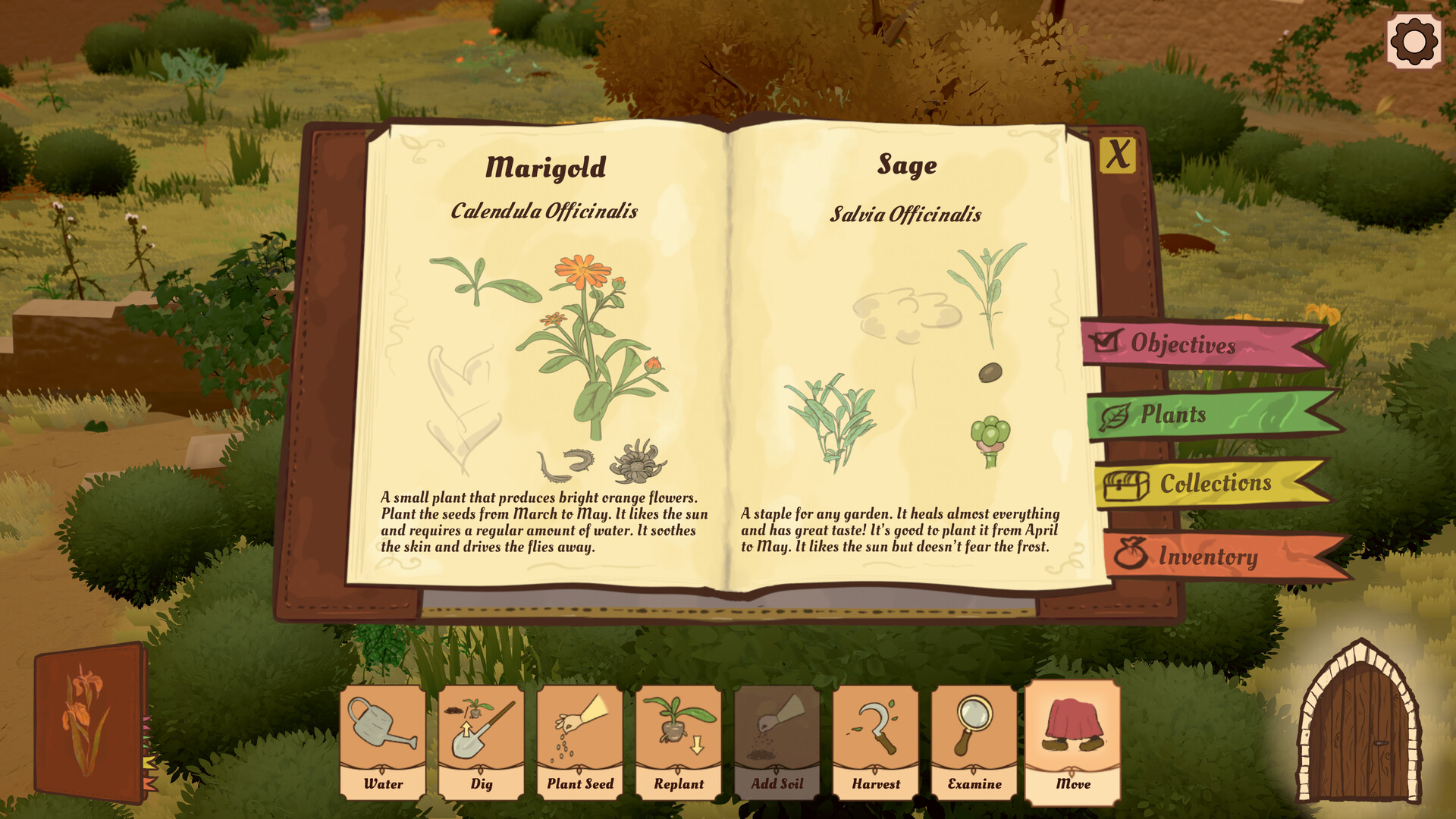
The garden is alive with real flora, and it behaves like a real ecosystem. Plant seeds, water them, and learn what makes each species thrive. Soil type matters. Moisture matters. Even proximity to other plants matters. There’s no rigid grid here - you’re gardening in a natural, free-form space.
As the seasons turn, discover and identify plants across every stage of their growth. When the moment is right, gather flowers, leaves, and seeds for botany. Your knowledge grows alongside the garden.
Notice what flourishes.
Notice what struggles.
Then gently make it right.

This garden was never only a garden. Hidden objects lie in the overgrowth and ruins, waiting to be found. Each discovery fills out your collections and can trigger new quests and quiet conversations. The abbey holds a long history of wonders - and of things deliberately forgotten.
Among what you uncover is a book written by a deceased spy. Its meaning is dangerous, and the wrong hands are already searching for it. Work with the local community to understand what it says before the British and French royals do.
The dirt hides more than roots.
Keep digging.

Even with court drama and espionage in the background, your days remain peaceful. The Abbess Garden is cozy at heart - a small world where you garden at your own pace, completing gentle quests and tending plants until they’re happy. Progress the story whenever you feel ready, letting it unfold linearly as you restore life to the abbey grounds.
You’ll meet NPCs based on real historical figures and events. You’ll help neighbors. You’ll piece together a quiet conspiracy. And somewhere in all that softness and sunlight, you may find a lover - a romance that grows naturally, like everything else here.
A sanctuary.
A mystery.
A garden that needs you.